
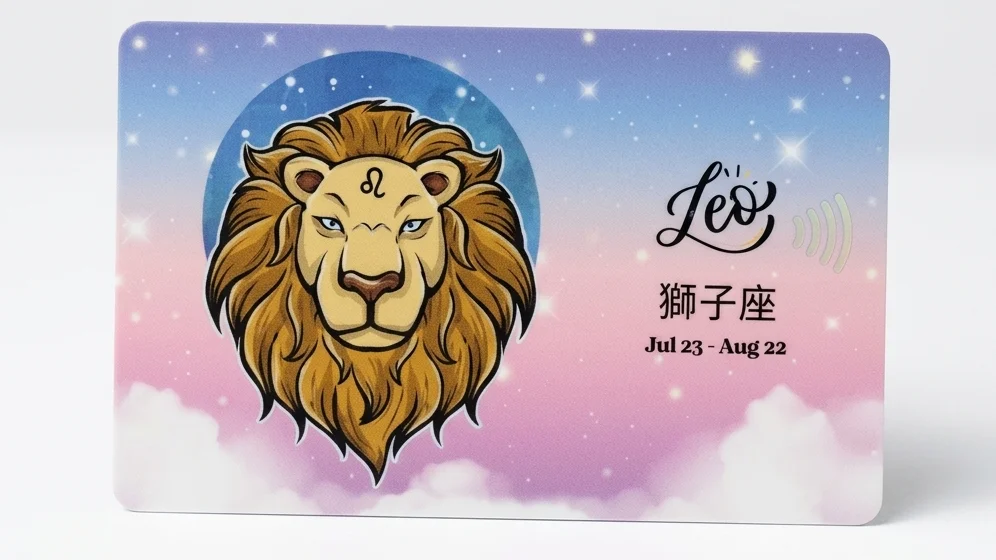
Customising an EZ-Link card starts with choosing the right card or service, preparing your design, and confirming that the proposed customisation is permitted for the specific card. If you’re planning a personalised card for yourself, a gift, or an organisation, it is important to check the card requirements before preparing artwork or placing a printing order.
SmartCard Singapore offers card personalisation and custom card services. The most suitable option depends on the card type, your design, the intended use and whether you need one card or a larger order.
This guide explains the steps to consider before customising an EZ-Link card in Singapore.
What does it mean to customise an EZ-Link card?
A customised EZ-Link card has a design or printed appearance tailored to a particular person, theme, campaign or organisation. Depending on the card and the service offered, customisation may involve a personal design, approved artwork, branding or a specially prepared card design.
There is an important distinction between customising the card’s appearance and changing its electronic functions. Printing or adding a design does not automatically change how a card works, its stored value, its validity or its transport-payment compatibility.
Before ordering, confirm exactly what the supplier can customise and which card types are eligible.
Step 1: Decide what you want the card for
Your intended use will influence the design, card choice and production requirements.
Personal use or a gift
You might want a card featuring original artwork, a favourite theme, a meaningful message or a design created for a special occasion. First confirm that your chosen card type can be supplied with the design you want.
Collectible or themed design
If you enjoy collecting distinctive card designs, consider the artwork, finish and presentation. Confirm whether the item is an official issued design, a custom-printed item or a mock-up. These are not necessarily the same thing.
Corporate or organisational use
Businesses and organisations may want cards that reflect their brand, event or campaign. Depending on the project, relevant considerations can include logo placement, brand colours, artwork approval, quantities, packaging and delivery arrangements.
For bulk projects, prepare a clear brief before requesting a quotation.
Step 2: Choose the appropriate card and service
Do not assume every EZ-Link or SimplyGo-related card can be customised in the same way. Card types, product arrangements and applicable requirements may differ.
Before proceeding, ask the supplier:
- Which specific card type is available for customisation?
- Is the service for a new card, an existing card, or a printed card product?
- Will the proposed design affect any card markings, identifiers or required information?
- Are there artwork, approval or production restrictions?
- What does the quoted service include?
SmartCard has a dedicated page for its customised EZ-Link card service. Review the current service information and contact the team if you need clarification about a particular card or project.
Step 3: Prepare your card design
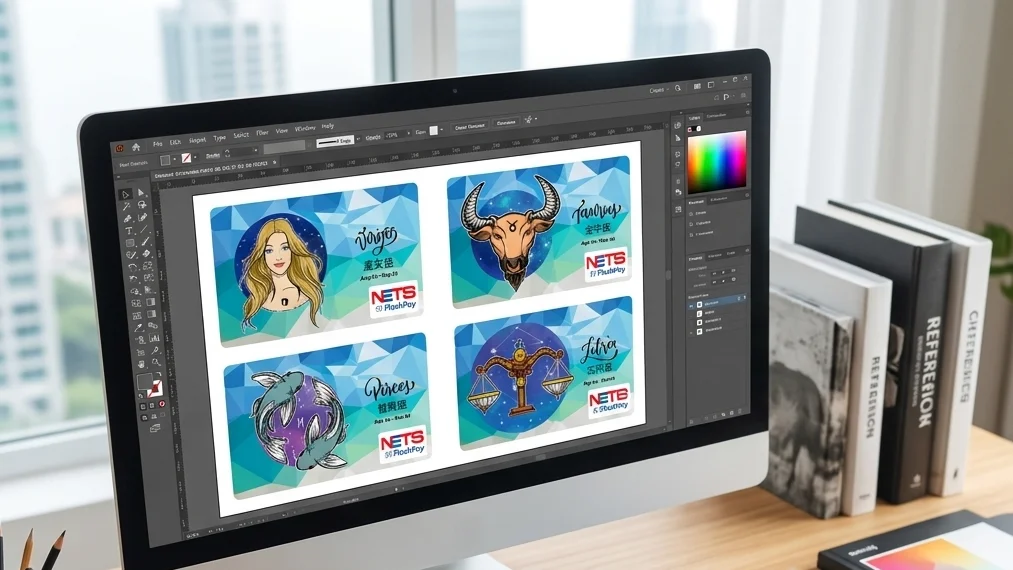
A good design should look clear at the final printed size, not just on a computer screen.
Start with a simple layout
Before adding decorative elements, decide what the design needs to communicate. For example, a personal design may focus on an illustration, while a company design may prioritise a logo and campaign identity.
Consider these practical points:
- Main subject: Choose one clear focal point rather than crowding the card with too many elements.
- Colour contrast: Make sure important text and graphics are easy to distinguish from the background.
- Logo placement: For corporate artwork, use the approved logo and follow the organisation’s brand guidelines.
- Text size: Avoid small text that may become difficult to read after printing.
- Safe areas: Ask the printer about trim, bleed and areas that must remain clear.
- Image quality: Supply artwork at the resolution and file format requested by the printer.
Do not add personal information that is unnecessary for the design. If the card will be distributed to employees or customers, consider privacy and brand-approval requirements as well.
Use artwork you have permission to reproduce
Only submit artwork, photographs, logos and illustrations that you created yourself or are authorised to use. A design found online is not automatically free to print. For commercial projects, obtain permission for third-party intellectual property and confirm any relevant brand or licensing requirements.
Step 4: Confirm the printing and production requirements
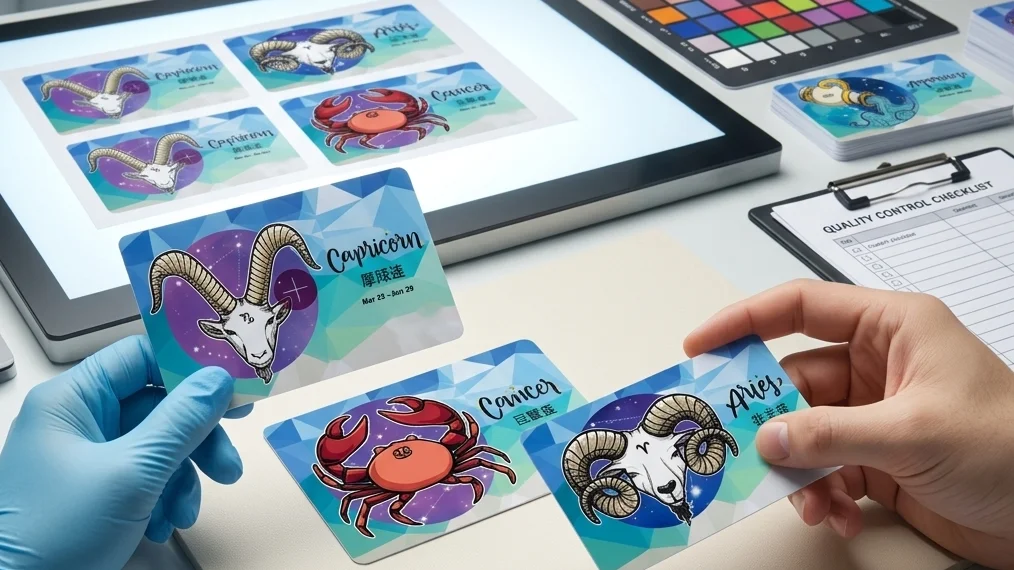
Before finalising your artwork, ask the supplier for its current artwork specifications. Requirements can vary by product and production method, so avoid preparing a final file based on assumptions.
Useful questions include:
- What file format and resolution are required?
- Is a template available?
- Are there restrictions on colours, text, logos or edge placement?
- Is a digital proof available for approval before production?
- What is the minimum order quantity, if any?
- What are the estimated production and delivery timelines?
- Does the service include packaging or fulfilment?
If you’re ordering for an event or campaign, allow time for artwork review and approval rather than leaving the design until the last minute.
Step 5: Review the proof before approving production
If a proof is provided, review it carefully before authorising production. Check the spelling, artwork placement, logo proportions, colours and any required card markings.
For a company order, arrange approval from the person responsible for the brand or campaign. Keep the final approved artwork and written confirmation of the specifications.
A proof can help catch design errors, but it should not be treated as confirmation that the card’s electronic functions or acceptance conditions have changed. Confirm those separately with the relevant supplier or issuer.
Step 6: Confirm the order details
Before placing your order, make sure you understand what is included and what you need to provide.
| Detail | What to confirm |
|---|---|
| Card type | The exact card or product being supplied |
| Design | Approved artwork and any printing limitations |
| Quantity | Whether the service has a minimum order |
| Price | Current quotation and what it includes |
| Timeline | Production, dispatch and delivery estimates |
| Packaging | Individual packaging or bulk packing requirements |
| Functionality | Any relevant card use, validity or compatibility conditions |
| Delivery | Address, fulfilment arrangements and delivery expectations |
For larger orders, also confirm how artwork changes are handled, who approves the final proof and what happens if delivery dates change.
Customised EZ-Link cards for businesses and organisations
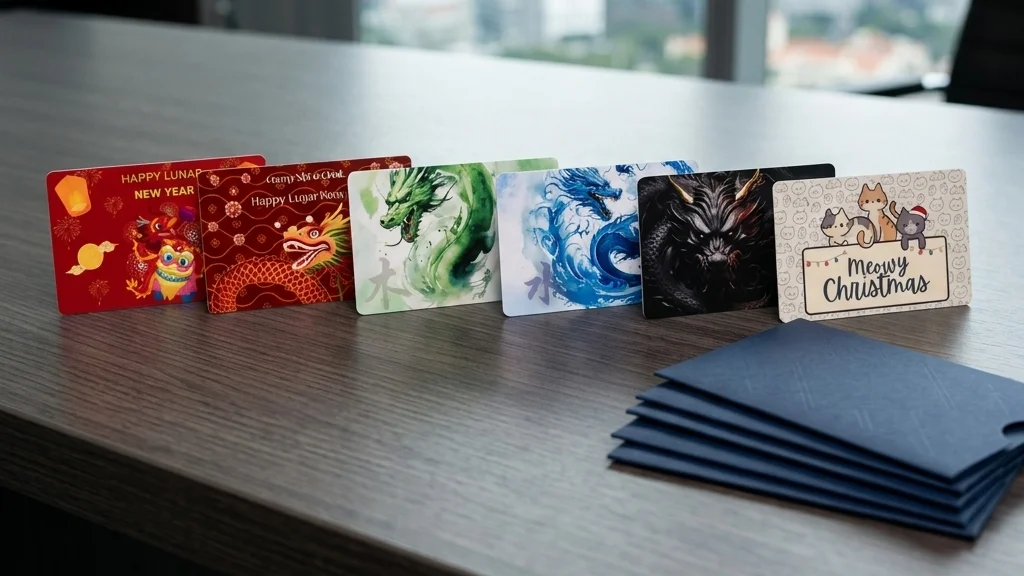
Custom card projects can be useful for campaigns, customer engagement, gifts or branded communications. The right approach depends on the organisation’s objectives and the product requirements.
For example, a company preparing a campaign may need consistent brand artwork across an order, while an organisation sending cards by post may need packaging and fulfilment considered alongside printing.
SmartCard’s website describes services covering card personalisation and related card production and distribution requirements. For a business project, explain your intended use, estimated quantity, artwork needs and delivery arrangements when contacting the team.
If you are comparing suppliers, look beyond the design alone. Ask about the specific card product, artwork process, production scope and any conditions relevant to your intended use.
Common mistakes to avoid
Assuming any card can be customised
Eligibility and requirements can vary. Confirm the exact card type and service before investing time in artwork.
Sending artwork without checking specifications
Incorrect dimensions, low-resolution images or text placed too close to an edge can lead to avoidable revisions. Request the supplier’s template or artwork guidelines first.
Using artwork without permission
Images, characters, logos and illustrations may be protected by copyright or trade mark rights. Check permissions before printing, especially for commercial distribution.
Confusing printing with electronic functionality
A visual design change does not, by itself, establish that the card’s payment, transit or other electronic functions will work differently. Confirm the specific product and applicable conditions.
Leaving too little time for production
Artwork review, revisions, approval, printing and delivery may all require time. Request a current timeline before committing to an event or campaign date.
Frequently asked questions
Can I customise an EZ-Link card with my own design?
It depends on the card type and the service available. Check with the supplier whether your proposed card can be customised and ask for the current artwork requirements before preparing the final design.
Can I use a photo or company logo on a customised card?
Potentially, provided the design meets the supplier’s requirements and you have the necessary rights or permission to reproduce the image or logo. For corporate use, follow your organisation’s brand guidelines.
Does a custom-printed design change how an EZ-Link card works?
Not automatically. Printing and electronic card functionality are separate matters. Confirm the exact product, compatibility and applicable conditions with the relevant supplier or issuer.
Can businesses order customised cards in bulk?
Bulk projects may be possible depending on the product and service. Ask the supplier about eligible card types, quantity requirements, artwork approval, quotation, packaging and delivery.
How long does it take to produce customised cards?
The timeline depends on the product, quantity, artwork approval and production arrangements. Request a current estimate for your specific order rather than relying on a general timeframe.
What should I prepare before requesting a quotation?
Prepare the card type you’re interested in, your design or logo, estimated quantity, intended use and required delivery date. Also list any packaging, fulfilment or artwork-support requirements.
Final thoughts
Customising an EZ-Link card involves more than choosing an attractive design. The key steps are to confirm the appropriate card and service, prepare suitable artwork, check permissions, approve the final proof and understand the order and delivery requirements.
If you are planning a personalised card or a larger organisational project, explore SmartCard’s customised EZ-Link card service and contact the team to discuss your requirements.